RAR for Android is a versatile file management tool that goes beyond simple archiving. It empowers users to efficiently handle compressed files directly on their Android devices, saving storage space and streamlining file sharing. Whether you need to extract archives received via email or create backups of important files, RAR provides a robust and user-friendly solution.

RAR
RARLAB (published by win.rar GmbH)
Download
3.6 MB
RAR Screenshots
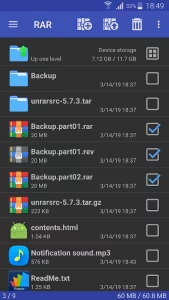
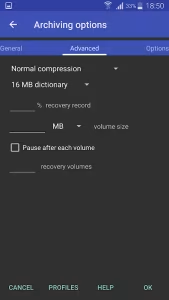
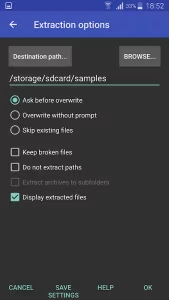
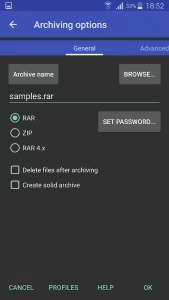
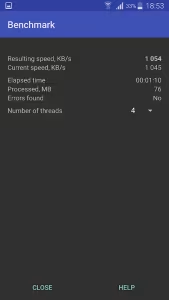
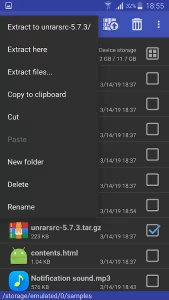
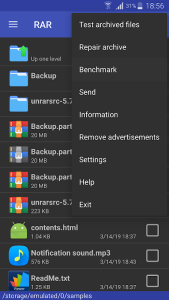
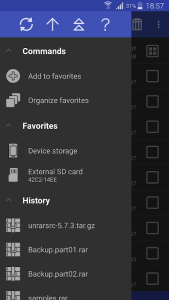
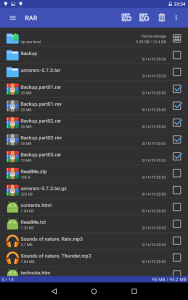

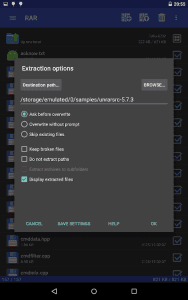
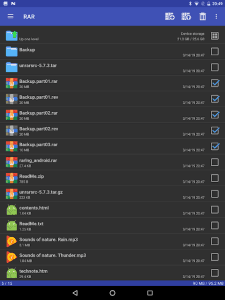
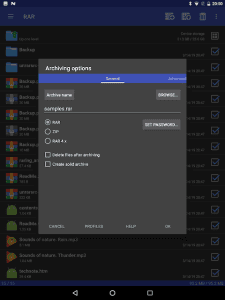
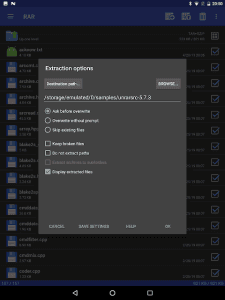
1 / 14
3.6 MB
Size
7.20.build129
Version
7+
Android
Universal
Arch
About RAR
RAR for Android is a versatile file management tool that goes beyond simple archiving. It empowers users to efficiently handle compressed files directly on their Android devices, saving storage space and streamlining file sharing. Whether you need to extract archives received via email or create backups of important files, RAR provides a robust and user-friendly solution.
Unzip Files On The Go
RAR simplifies the process of extracting files from various archive formats, including RAR, ZIP, TAR, GZ, BZ2, XZ, 7z, ISO, and ARJ. This eliminates the need for a computer to access compressed content, allowing you to view and use files instantly on your smartphone or tablet.
Create Archives Effortlessly
Beyond extraction, RAR allows you to create RAR and ZIP archives directly on your device. This is incredibly useful for compressing large files before sharing them, reducing file sizes for easier email attachments, or creating secure backups of your important data.
Protect Files With Encryption
Security is paramount, and RAR offers robust encryption options to protect your sensitive files. You can set passwords for your archives, ensuring that only authorized individuals can access the contents. This feature is essential for securing personal documents, financial records, and other confidential information.
Repair Corrupted Archives
Data corruption can be frustrating, but RAR provides tools to mitigate the damage. The application includes a repair function that can attempt to recover data from damaged RAR and ZIP archives, potentially saving you from data loss.
Manage Your Files Effectively
RAR is more than just an archiving tool; it also functions as a basic file manager. You can browse your device’s storage, create folders, copy, move, rename, and delete files, providing a convenient way to organize your digital life.
Frequently Asked Questions
RAR supports a wide range of archive formats, including RAR, ZIP, TAR, GZ, BZ2, XZ, 7z, ISO, and ARJ, offering comprehensive compatibility.
CYes, RAR allows you to encrypt your archives with passwords, providing an extra layer of security for your sensitive data.
RAR is designed to be efficient and minimize battery consumption. However, intensive operations like creating large archives may require more power.
Additional APP Information
Package Name
com.rarlab.rar
Developer
RARLAB (published by win.rar GmbH)
Category
Signature
ad90811fc5c31871d5b502b95f27d740f64fc62c
Get it On

You are now ready to download RAR for free. Here are some notes:
- Please read our APK Info and installation instructions carefully for the game & app to work properly
- Read the FAQ carefully for more details
4.6/5 (423 votes)